
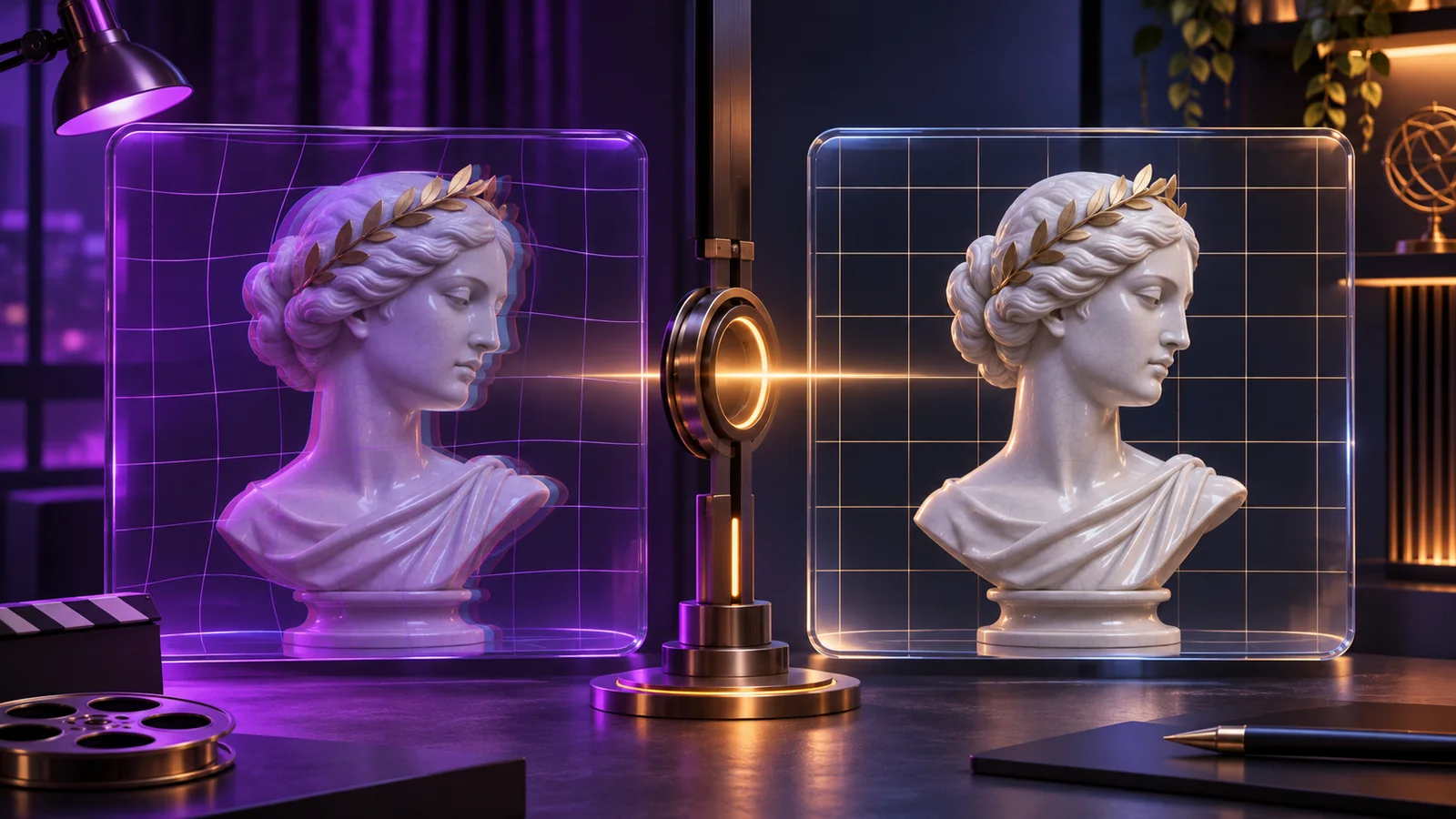
How to Reduce Face, Limb, and Background Drift in AI Video
Troubleshoot short AI video drift by identifying whether the source frame, movement, camera, duration, or scene complexity caused the visible failure.
Drift is a visible change that the prompt did not request: a face gradually changes, limbs lose coherence, clothing details move between frames, or background lines bend and jump. It can appear even when the first frame looks correct because video generation must maintain relationships across time.
No prompt can guarantee perfect consistency. The practical goal is to identify the likely cause, make one controlled change, and decide whether the next test is better.
Classify the failure before regenerating
Watch the clip from beginning to end and pause at the first frame where the problem appears. Classify it as one of four types:
- identity drift: facial structure, hair, or defining features change;
- anatomy drift: hands, arms, legs, or body intersections deform;
- wardrobe or object drift: details appear, disappear, or change shape;
- background drift: walls, furniture, reflections, or straight lines bend or move unexpectedly.
The earliest visible failure is often more useful than the worst final frame because it shows which movement triggered the instability.
When the face changes
First inspect the source image. A face that is small, partly covered, strongly shadowed, or turned at an extreme angle gives the model less stable information.
For the next test:
- use a clearer source or reduce the crop ambiguity;
- request a smaller head movement;
- use a locked camera or a gentle push-in;
- shorten the duration;
- add one concise identity-preservation instruction.
Do not add a long list of facial details while keeping a large movement. The movement may still demand more change than the frame can support.
When hands or limbs deform
Hands and overlapping limbs are sensitive to occlusion. Check whether the source already contains crossed fingers, merged edges, hidden joints, or limbs leaving the frame.
Try a source with clearer separation, or choose motion that does not require a hidden limb to reappear. Reduce the range of the action and avoid combining body movement with a large camera pan during the same short clip.
If the starting anatomy is weak, repair or replace the image before another video attempt. Use image to image for a targeted correction rather than asking the motion prompt to solve the source and the animation together.
When clothing or objects change
Small repeated patterns, jewelry, straps, and overlapping props can change as the subject moves. Decide which detail is essential. Mention that detail in one stability instruction and simplify other motion.
If an object passes behind the body or exits the crop, the model must infer its hidden shape. A different starting pose may be more effective than repeatedly rewriting the prompt.
When the background bends or flickers
Background drift often becomes visible around door frames, tiles, mirrors, furniture edges, and repeating patterns. Camera motion exposes more of the scene and increases the amount of geometry that must remain coherent.
For the next test:
- lock the camera;
- reduce the subject movement;
- use a shorter duration;
- remove unnecessary environmental motion;
- choose a cleaner background or wider separation between subject and background.
Reflections deserve special attention because they must change consistently with the subject. If the reflection is not important, choose a source without it.
Separate prompt problems from source problems
A prompt problem usually appears when the instruction is conflicting, overly broad, or asks for too many actions. A source problem is visible before generation: unclear anatomy, insufficient crop space, fused edges, or complex geometry.
Use this decision rule:
- If the source does not clearly contain the required information, change the source.
- If the source is clean but the clip attempts too much, simplify the prompt.
- If both are controlled but drift increases over time, shorten the duration or test another available model.
The first-frame checklist helps identify source problems before generation.
Change one variable per test
Keep a small test record. For example:
- Test A: Frame 1, baseline prompt, 5 seconds, 768P. The face changes at four seconds. Decision: reduce the head turn.
- Test B: Frame 1, smaller head turn, 5 seconds, 768P. The face remains stable through the clip. Decision: keep the new direction.
Do not treat this example as a performance guarantee. Its purpose is to show how a controlled comparison makes the next decision visible.
Use duration and resolution deliberately
MuseUnbound currently supports image-to-video durations from 5 to 15 seconds, with 768P and 1080P choices in the creation interface. Duration affects how long the model must maintain the scene. Resolution affects output detail but does not replace a stable source and focused motion direction.
Begin with the shortest clip that can test the action. Once the motion is stable, increase duration or resolution only when the final use needs it. Review the credit estimate displayed for the selected model and duration before each run.
Review success across the whole clip
A clip is not stable merely because the opening frame matches the source. Check the beginning, middle, and end for:
- identity continuity;
- readable hands and limbs;
- consistent clothing and objects;
- stable background geometry;
- a usable final frame.
If a small defect appears only at the end, decide whether trimming is appropriate or whether the final frame matters for continuation. If the same failure appears earlier in every attempt, revisit the source rather than generating more variations.
A controlled recovery sequence
Use this order when a clip drifts:
- identify the first failure and classify it;
- inspect the corresponding area in the source frame;
- reduce the subject or camera movement;
- shorten the duration;
- keep the model and resolution fixed for the comparison;
- regenerate once and compare the same frames;
- keep the improvement, change the source, or stop.
For help building the revised instruction, use the motion prompt guide. When the source and prompt are ready, continue in MuseUnbound image to video with authorized, clearly adult material that follows the content policy.